Xbox on the Go: Your Ultimate Guide to Seamless Travel Gaming
For many, the Xbox is more than just a console; it’s a gateway to adventure, a connection to friends, and a source of endless entertainment. But what happens when you leave home? Does the gaming stop? Not anymore. The dream of taking your Xbox on every journey, whether it’s a weekend getaway, a business trip, or an extended vacation, is now a reality. Welcome to the world of travel Xbox gaming, where your digital adventures are no longer confined to your living room.
Today, with advancements in technology and a growing demand for portability, bringing your favorite console along for the ride is easier than ever. This comprehensive guide will equip you with all the knowledge you need to transform your Xbox into the ultimate travel companion. We’ll explore the best setups, essential gear, and smart strategies to ensure your gaming experience remains uninterrupted, no matter where your travels take you. Get ready to level up your trips!
Key Takeaways for the Traveling Gamer
- Choose the Right Console: The Xbox Series S is often the top choice for travel due to its compact size and light weight, offering powerful performance in a smaller package.
- Invest in a Portable Display: A high-quality portable monitor is crucial for gaming on the go, providing a dedicated screen without relying on hotel TVs.
- Secure Your Setup: Proper protective cases and organization are essential to keep your console and accessories safe from bumps and spills during transit.
- Plan Your Power and Connectivity: Always consider power adapters for different regions and reliable internet solutions like mobile hotspots or hotel Wi-Fi boosters.
- Optimize for Cloud Gaming: For ultimate portability, consider Xbox Cloud Gaming, which allows you to play a vast library of titles on almost any device with a good internet connection.
Why Take Your Xbox on the Road?
The appeal of bringing your Xbox along is clear. For many, gaming is a cherished hobby, a way to unwind after a long day of exploring, or a means to stay connected with friends back home. Business travelers often face downtime in hotel rooms, and having their personal entertainment setup can make a significant difference in their comfort and well-being. Families on vacation can enjoy shared gaming experiences, making travel moments even more memorable.
Beyond just entertainment, a travel Xbox can be a valuable tool. It allows you to continue progress in your favorite games, participate in online events, and even catch up on new releases without missing a beat. It’s about maintaining a sense of normalcy and enjoyment, even when you’re far from your usual routine. The flexibility it offers to blend your passion for gaming with your desire to explore new places is truly liberating.
The Freedom of Gaming Anywhere
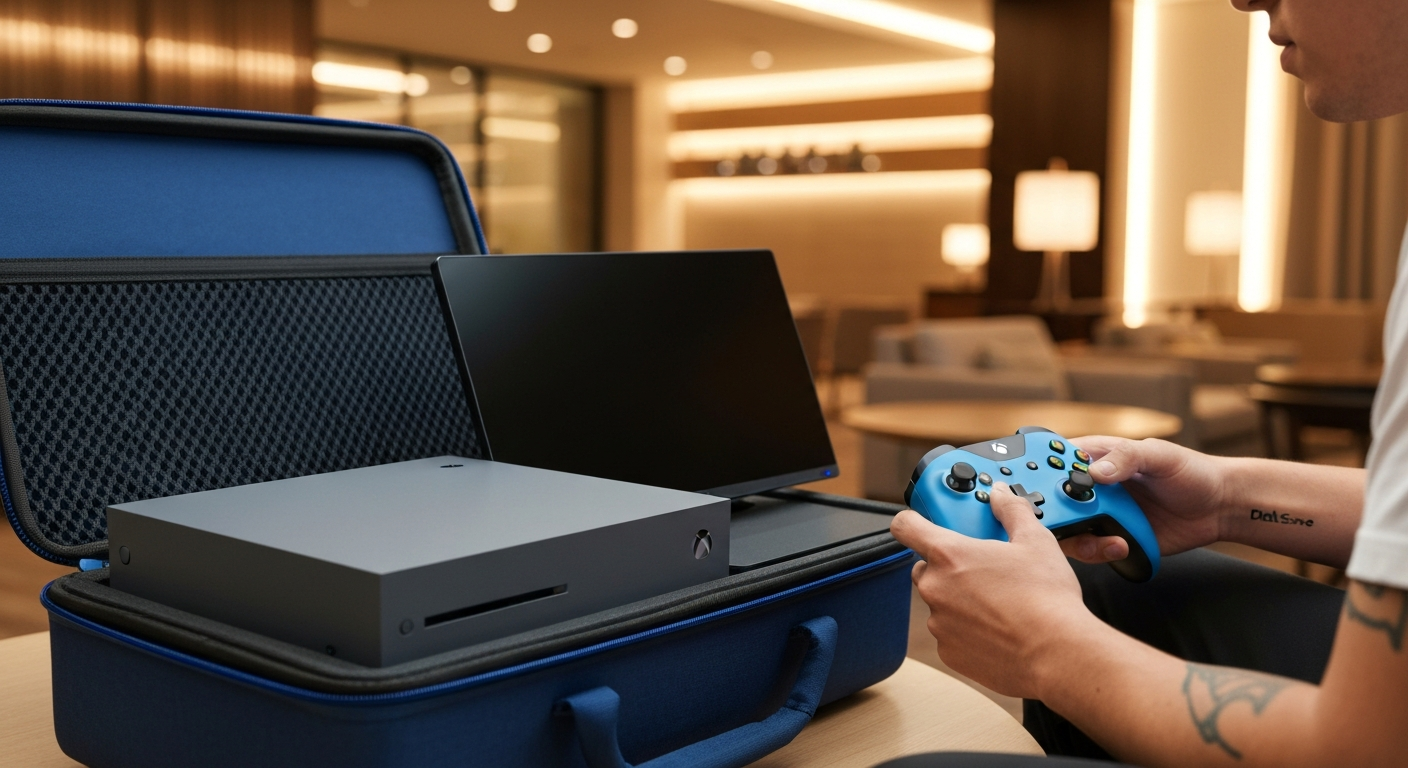
Imagine finishing a day of sightseeing in a new city and settling down in your hotel room to jump into an epic adventure. Or perhaps you’re visiting family, and your Xbox becomes the centerpiece for some friendly multiplayer competition. The ability to game on your terms, in any location, fundamentally changes the travel experience. It turns potential downtime into engaging playtime, making every destination feel a little more like home.
Choosing the Right Travel Xbox Setup
Selecting the ideal setup for your travel Xbox is the first critical step. Your choice will depend on factors like portability, performance needs, and budget. While any Xbox console can travel, some are much better suited for the nomadic gamer than others.
Xbox Series S: The Ultimate Travel Companion
The Xbox Series S stands out as the undisputed champion for travel gaming. Its compact size, light weight, and digital-only nature make it incredibly easy to pack. It delivers next-gen performance, allowing you to enjoy modern titles with impressive visuals and smooth frame rates, all without the bulk of its larger sibling. The absence of a disc drive means fewer moving parts and less to worry about damaging.
For those who prioritize portability above all else, the Series S is a no-brainer. It fits comfortably in most backpacks and carry-on luggage, leaving plenty of room for other essentials. Its lower power consumption also makes it a bit more forgiving with various power sources you might encounter while traveling.
Xbox Series X: For the Uncompromising Gamer
While larger and heavier, the Xbox Series X can still be a travel option for gamers who demand the absolute best performance and storage. If you can’t compromise on 4K gaming or need the disc drive for your physical game library, the Series X is viable. However, it requires more careful packing and a dedicated travel case due to its size and weight. Its power requirements are also higher, which can be a consideration in some international travel scenarios.
Portable Monitors and Displays: Your Window to Gaming
A quality portable monitor is arguably the most important accessory for a travel Xbox. Relying on hotel TVs can be a gamble; they might be old, lack HDMI ports, or have input lag. A dedicated portable monitor guarantees a consistent gaming experience.
Look for monitors that are:
- Lightweight and Slim: Easy to pack and carry.
- Powered via USB-C: Many can draw power directly from your console or a power bank, reducing cable clutter.
- 1080p or 1440p Resolution: Offers a great balance of visual quality and performance for the Series S.
- Low Input Lag: Essential for responsive gaming.
- Built-in Speakers: A convenient feature, though headphones are often preferred.
Many excellent options are available from brands like ASUS, AOC, and ViewSonic, specifically designed for gamers on the go.
Streaming vs. Native Play: The Cloud Option
For ultimate flexibility, Xbox Cloud Gaming (part of Xbox Game Pass Ultimate) allows you to stream games directly to a phone, tablet, laptop, or even a smart TV with a compatible controller. This eliminates the need to carry your console entirely. While it requires a strong, stable internet connection, it offers unparalleled portability. It’s an excellent backup or primary option for light travelers or those who face strict baggage limits.
Essential Accessories for Your Travel Xbox
Once you’ve chosen your console and display, it’s time to gather the crucial accessories that will make your travel gaming setup complete and hassle-free.
Power Solutions: Stay Powered Up
- Universal Power Adapter: If traveling internationally, a universal travel adapter with multiple plug types is a must-have. Ensure it can handle the wattage of your Xbox and monitor.
- Portable Power Bank: A high-capacity power bank can be invaluable for charging controllers or even powering a USB-C monitor in a pinch, especially in places without readily available outlets.
- Surge Protector/Power Strip: Protects your gear from inconsistent power and provides extra outlets for all your devices.
Connectivity Kits: Get Online, Stay Connected
- Ethernet Cable: A short Ethernet cable is useful for more stable internet connections in hotels that offer wired options.
- Portable Wi-Fi Hotspot: If reliable Wi-Fi is uncertain, a personal mobile hotspot with a data plan can be a lifesaver for online gaming and updates.
- Travel Router: A compact travel router can create your own secure Wi-Fi network from a hotel’s wired connection, allowing multiple devices to connect easily.
Protective Gear: Safeguard Your Investment
Protecting your console and accessories during transit is paramount. A good travel case isn’t just an accessory; it’s an insurance policy.
- Dedicated Console Travel Case: Look for hard-shell cases with custom foam inserts designed specifically for your Xbox Series S or X. These provide superior protection against impacts and vibrations.
- Monitor Sleeve/Case: A padded sleeve or a dedicated case for your portable monitor will prevent scratches and screen damage.
- Accessory Pouch: A separate pouch for cables, controllers, and smaller items keeps everything organized and prevents tangles or loss.
“Investing in quality protective gear is not an option; it’s a necessity for any serious travel gamer. A single drop or impact can ruin your console and your trip,” advises gaming tech expert, Dr. Elena Petrova. “Always choose cases that offer rigid protection and secure compartments.“
Travel Xbox Gaming Scenarios
Your travel environment will often dictate the best approach for your setup.
Hotel Stays: Your Temporary Gaming Haven
Hotels are perhaps the most common scenario for travel gaming. Most hotels offer Wi-Fi, though quality can vary. Always check the TV for available HDMI ports and ensure you have all necessary cables. A portable monitor removes any guesswork. Remember to bring your own HDMI cable, power cords, and controller charging cables.
RVs and Campers: Gaming on the Open Road
For RV enthusiasts, gaming can be a fantastic way to unwind after a day of driving or exploring nature. Power is a key consideration here; ensure your RV’s electrical system can handle your Xbox and monitor. If boondocking, a power inverter or generator might be necessary. Portable projectors can also create a unique outdoor gaming experience under the stars.
Visiting Friends and Family: Share the Fun
Bringing your Xbox to a friend’s or family member’s house is usually straightforward. They likely have a TV, but bringing your portable monitor ensures you don’t monopolize their main screen. It’s also a great opportunity for local multiplayer sessions, so consider packing extra controllers.
Optimizing Your Travel Gaming Experience
Even with the right gear, a few tips can enhance your travel gaming.
- Download Games Before You Go: To save on precious travel bandwidth, download all your desired games and updates before leaving home. This ensures you can play offline if internet access is limited.
- Manage Storage: If you have an Xbox Series X|S, consider an external SSD or expansion card for extra storage, allowing you to carry more games without needing to redownload.
- Headphones are Your Friend: Good noise-canceling headphones are invaluable for immersive gaming, especially in noisy environments like airports or hotel rooms, and they prevent disturbing others.
- Check Power Requirements: Always verify the voltage and plug type of your destination. Most Xbox consoles have universal power supplies, but adapters are crucial.
- Utilize Xbox Remote Play: If you’re traveling with a laptop or mobile device but want to leave your console at home, Xbox Remote Play lets you stream games from your home Xbox over the internet (requires good upload speed at home and download speed on the go).
Common Challenges and Solutions for Travel Xbox
Traveling with an Xbox can sometimes present unique hurdles. Being prepared is key.
| Challenge | Solution | Notes |
| **Slow/Unreliable Wi-Fi** | Portable Wi-Fi hotspot, Ethernet cable, download games offline | Prioritize single-player games or those with robust offline modes. |
| **Limited Power Outlets** | Portable power strip, high-capacity power bank | Always charge controllers and devices when outlets are available. |
| **Bulky Equipment** | Xbox Series S, compact portable monitor, streamlined accessories | Prioritize essential gear. Consider cloud gaming for minimalists. |
| **Damaged Gear** | Hard-shell travel case, padded sleeves, careful packing | Never check your console; always carry it on. |
| **Input Lag on Hotel TVs** | Portable gaming monitor, adjust TV’s |
gaming mode settings (if available) | Hotel TVs often have high input lag; a portable monitor bypasses this issue entirely. |
Future of Travel Gaming: Cloud and Beyond
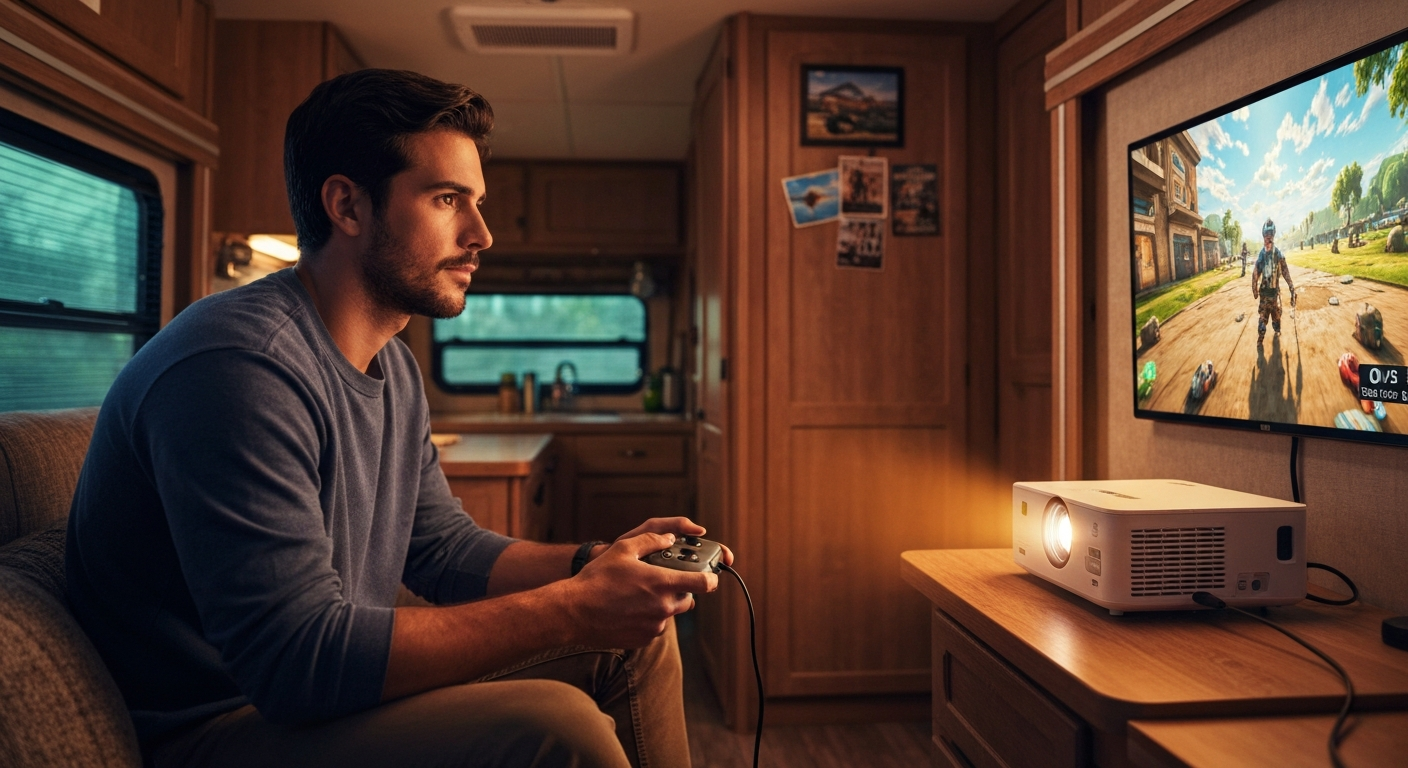
The landscape of travel gaming is continuously evolving. Cloud gaming services like Xbox Game Pass Ultimate (which includes Xbox Cloud Gaming) offer a compelling alternative for travelers. With a strong internet connection, you can stream games directly to a laptop, tablet, or smartphone without needing to carry your console. While latency can still be a factor, improvements in network infrastructure and streaming technology are making this a more viable option for casual travel gaming.
Looking ahead, expect even more compact and powerful portable monitors, longer-lasting portable power solutions, and potentially even more integrated travel gaming setups. The goal remains the same: to bring your gaming world with you, wherever you roam.
Conclusion
Traveling with your Xbox no longer means sacrificing your gaming passion. With the right preparation, gear, and mindset, you can transform any location into your personal gaming arena. From selecting the perfect console and portable monitor to understanding power requirements and optimizing your game library, every step contributes to a seamless experience. Whether you’re unwinding in a hotel room, enjoying a scenic RV trip, or sharing multiplayer fun with friends, the world of Xbox gaming is now as mobile as you are. Embrace the freedom and never leave your favorite games behind again.
FAQ
Q1: Is it safe to put my Xbox in checked luggage?
A: No, it is strongly advised not to put your Xbox in checked luggage. Always carry your console in your carry-on baggage. Checked luggage is prone to rough handling, and the console could suffer irreparable damage. Furthermore, valuable electronics are often targets for theft.
Q2: Can I use my Xbox in a country with different voltage?
A: Most modern Xbox consoles (Xbox One X, Xbox Series S, Xbox Series X) have universal power supplies that can handle voltages from 100V to 240V. You will, however, need a physical plug adapter for the specific country’s outlet type. Always double-check your console’s power brick for voltage compatibility markings.
Q3: What’s the best way to connect to hotel Wi-Fi?
A: Often, hotel Wi-Fi requires a browser-based login. You can usually access this by attempting to connect to any website through the Xbox’s Edge browser. If that fails, connecting a laptop or smartphone first and then sharing its internet connection via a mobile hotspot (if your device supports it) or an Ethernet cable (if the hotel provides one and you have an adapter) can work. A portable travel router can also simplify this process.
Q4: Do I need a portable monitor if hotels have TVs?
A: While hotels do have TVs, bringing your own portable monitor offers several advantages: guaranteed HDMI port access, no need to navigate unfamiliar TV menus, consistent display quality, often lower input lag, and the ability to play without monopolizing the main TV in a shared space. It ensures a consistent gaming experience regardless of the hotel’s setup.
Q5: Can I play Xbox games offline while traveling?
A: Yes, many Xbox games can be played offline. To ensure this, set your console as your “Home Xbox” before you leave, and download all desired games and updates. Games that require a constant online connection (e.g., MMOs, certain multiplayer titles) will not be playable without internet access.